8th August 2026
TDARS 2.0: New Scanner Console and Batch Processing
Redesigned Scanner Console
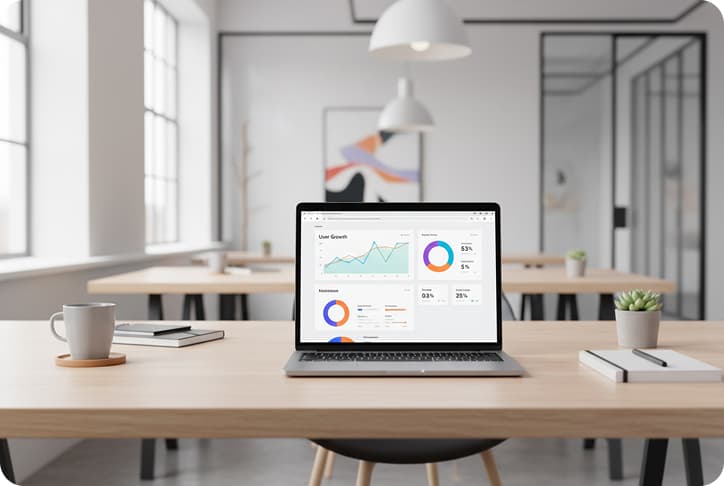
The scanner console in TDARS 2.0 has been completely rebuilt. The new interface gives operators a clearer view of scan queues, real-time progress indicators, and immediate feedback when a scan fails quality thresholds.
Operators can now see document thumbnails as pages are captured, flag individual pages for re-scan without restarting the batch, and annotate scans with notes before they enter the processing pipeline.
The console also supports multi-scanner setups. Institutions running parallel scanning stations can monitor all devices from a single dashboard, reducing the need to move between workstations during large digitisation exercises.
Batch Processing for High-Volume Scanning
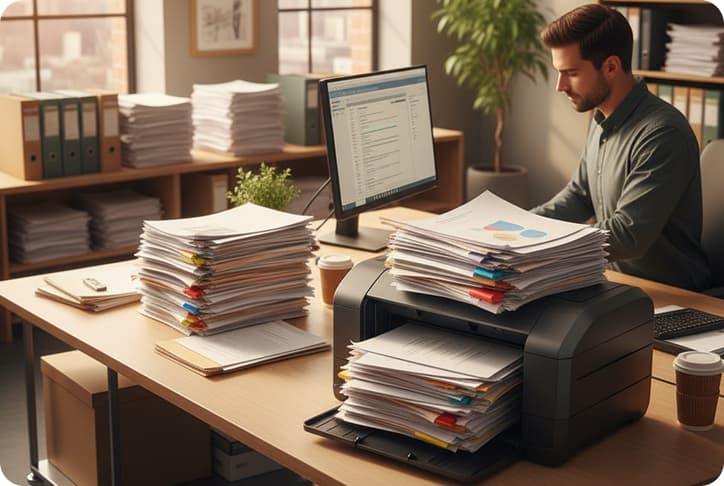
Previously, each document had to be scanned and submitted individually. TDARS 2.0 introduces batch processing, allowing operators to load multiple documents into a single scan session and process them as a group.
Batches can be assigned metadata at the group level — record type, department, classification — which is then inherited by each document in the batch. Individual overrides are still possible where a document needs different attributes.
For institutions processing thousands of records during migration exercises, this reduces data entry time significantly and ensures consistent metadata across related documents.
Improved Document Preview and Quality Checks
Every scanned document now passes through an automatic quality check before it enters the records pipeline. TDARS evaluates image clarity, orientation, and completeness, and flags any page that falls below configurable quality thresholds.
Operators see a clear pass/fail indicator alongside each page, with the option to re-scan flagged pages immediately. The full-resolution preview has also been improved — operators can zoom, rotate, and compare the scan against the original without leaving the console.
These checks help ensure that what enters your digital archive is legible, correctly oriented, and complete, reducing downstream issues when records need to be retrieved or audited.
What This Means for Your Team
The scanner console and batch processing updates are available now for all TDARS institutions on the current release. No additional configuration is required — the new console replaces the previous interface automatically on your next update.
If your institution is planning a records migration or running regular scanning operations, these improvements should reduce processing time and improve the consistency of your digital archive.
For questions about scanner hardware compatibility or setting up multi-station scanning, contact your TDARS account manager or reach out to our support team.